Aircheck shows every post your agents queued today on one screen.
 Claude Code
 Codex

Aircheck reads the posts that your Claude Code, Codex, cron, Airflow and launchd jobs queued for the day and the ad creative that your ad pipeline builds. It shows each item with all of its media and whether it is ready to go out.

Review the whole day before posts go out.
Aircheck offers a send-time strip, a thumbnail sheet grouped by hour, and a list. Each lane shows a ring until all of its posts are sent.
Aircheck provides three ways to work on a post.
Each action runs the post's own pipeline again with a headless agent and shows the result beside the original.
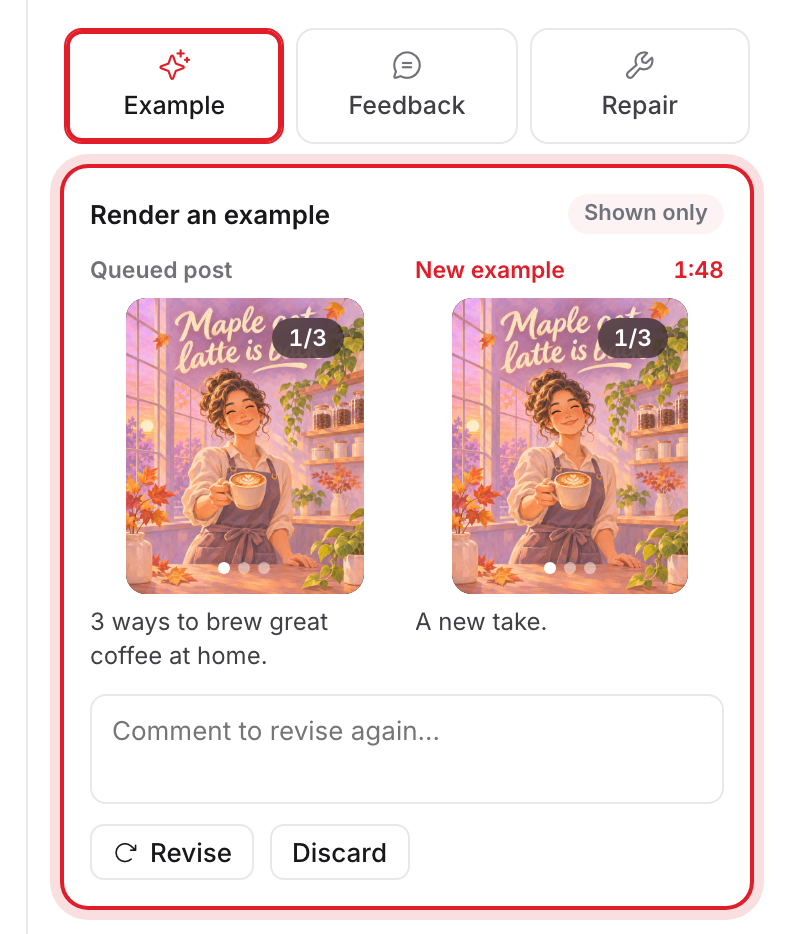
ExampleShown only
Aircheck runs the post's pipeline again and shows a fresh version. It changes nothing.
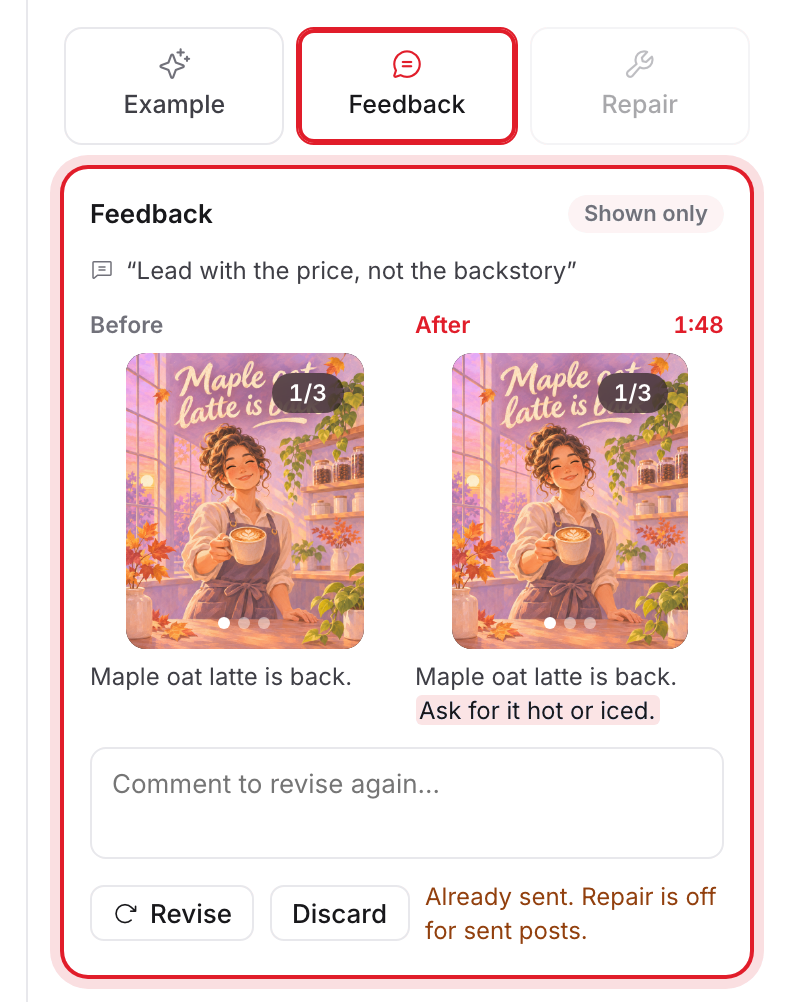
FeedbackShown only
Write what should change. Aircheck shows the revised version beside the original and changes nothing.
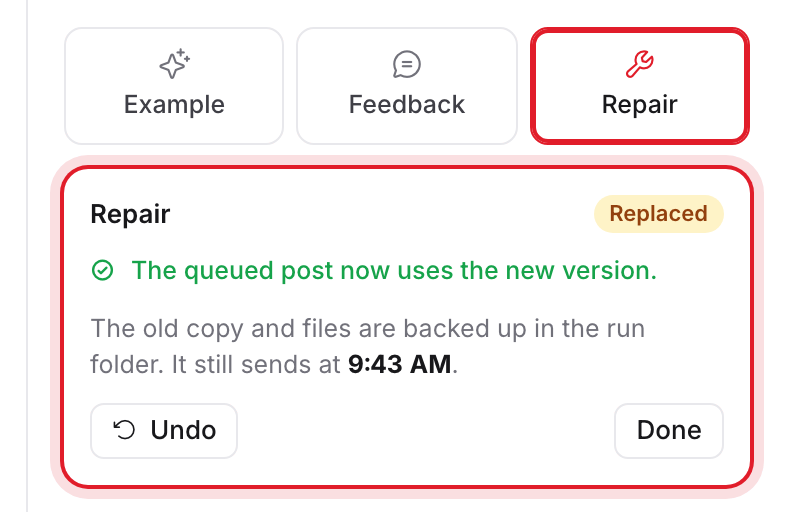
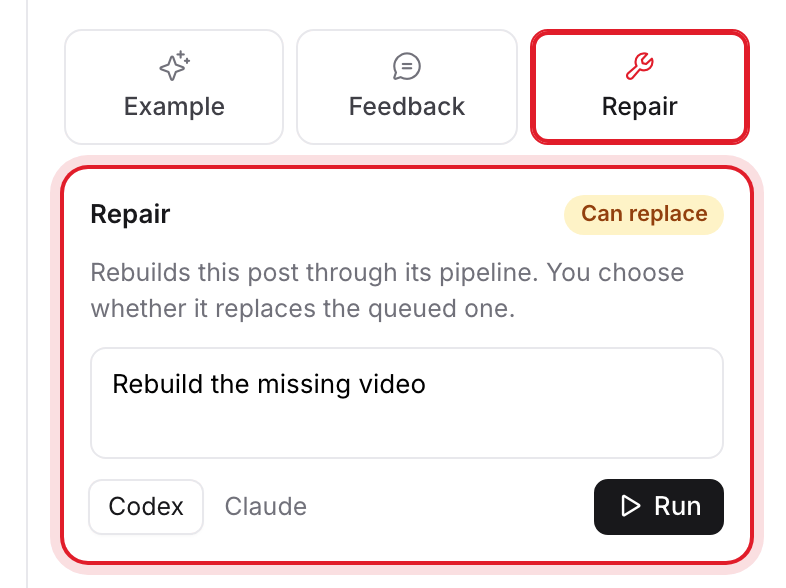
RepairCan replace
Aircheck rebuilds the post through its pipeline. When you approve the new version, it replaces the queued post. Undo restores the old one.
Repair is off for sent posts and locks during the last minutes before a send.

Aircheck works with the jobs you already run.
Each job writes one JSON file per post into a queue folder. The MCP server writes those files, and your agent reports what it queued.
The MCP server for Claude Code and Codex reads your setup, suggests the wiring, and applies it only after you approve it. You can also read the docs and write the files yourself.
// queue/2026-11-06/blockdex-hero.json
{
  "lane": "brand-x",
  "at": "2026-11-06T15:30:00Z",
  "kind": "carousel",
  "text": "Post copy as it will go out",
  "media": ["slide-1.png", "slide-2.png"],
  "status": "queued",
  "postUrl": null
}
Read the full format in the docs
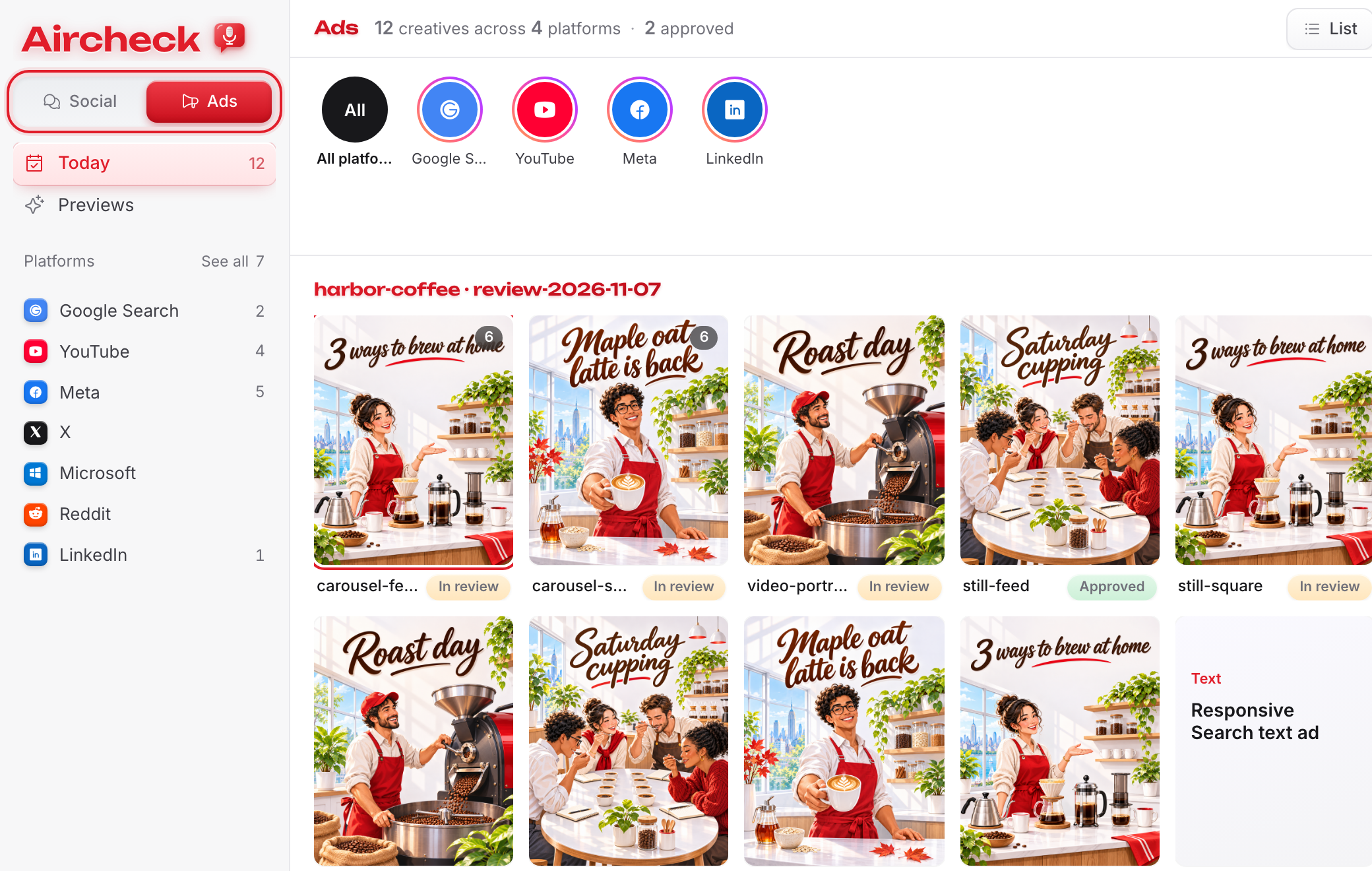
Social posts and ad creative in one review.
Social and Ads use the same screen. The screen shows the same day and media and provides Example, Feedback and Repair. Only the work changes.
Aircheck runs the agent on your machine, and a preview cannot post.
Aircheck starts headless Codex or Claude as a local process. The agent can read your pipelines but writes only in its own run folder, and it has no network.
Questions
No. Your jobs post. Aircheck shows what they queued and can replace a queued post only when you approve a repair.
Aircheck runs headless Codex or Claude on your own subscription and your own machine.
No. A preview runs with no network and can write only in its run folder. The prompt also forbids posting.
Press Undo. Aircheck backs up the old copy and files in the run folder.
Any platform your jobs post to. Aircheck reads the queue folder and does not connect to the platforms.